PassbackAI — send Claude five corrections without losing two
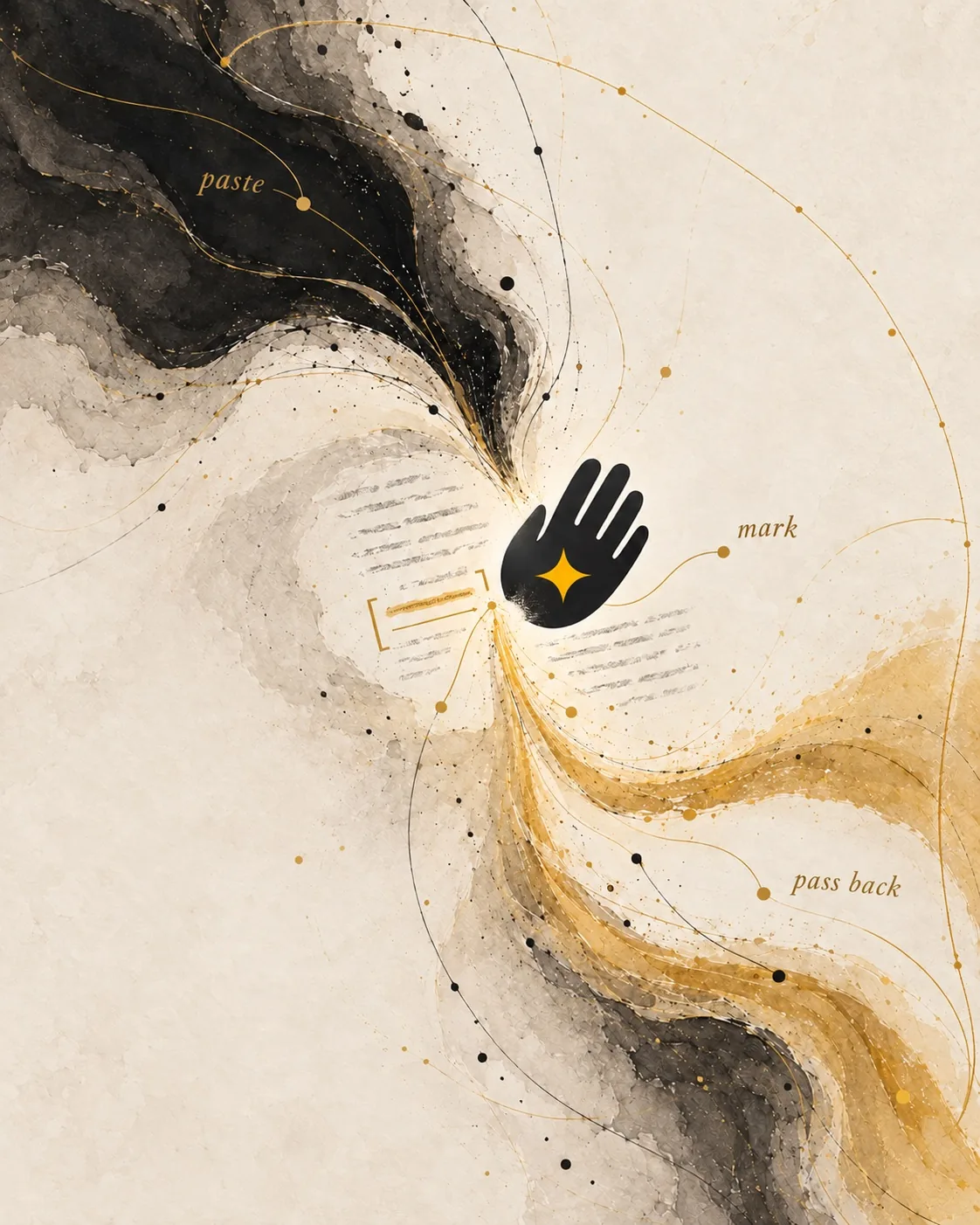
Typing five corrections to Claude is hard enough work that points 4 and 5 die in your head. PassbackAI lets you comment on each passage of a long Claude, ChatGPT, Cursor, Gemini, or Perplexity answer where it sits, then copy the whole bundle back to the model in one paste — anchored, with the verbatim quote and the heading it's under (or, for tables, the row or column the cell sits in). The model lands every fix on its exact target. No second round to clarify which thing you meant.
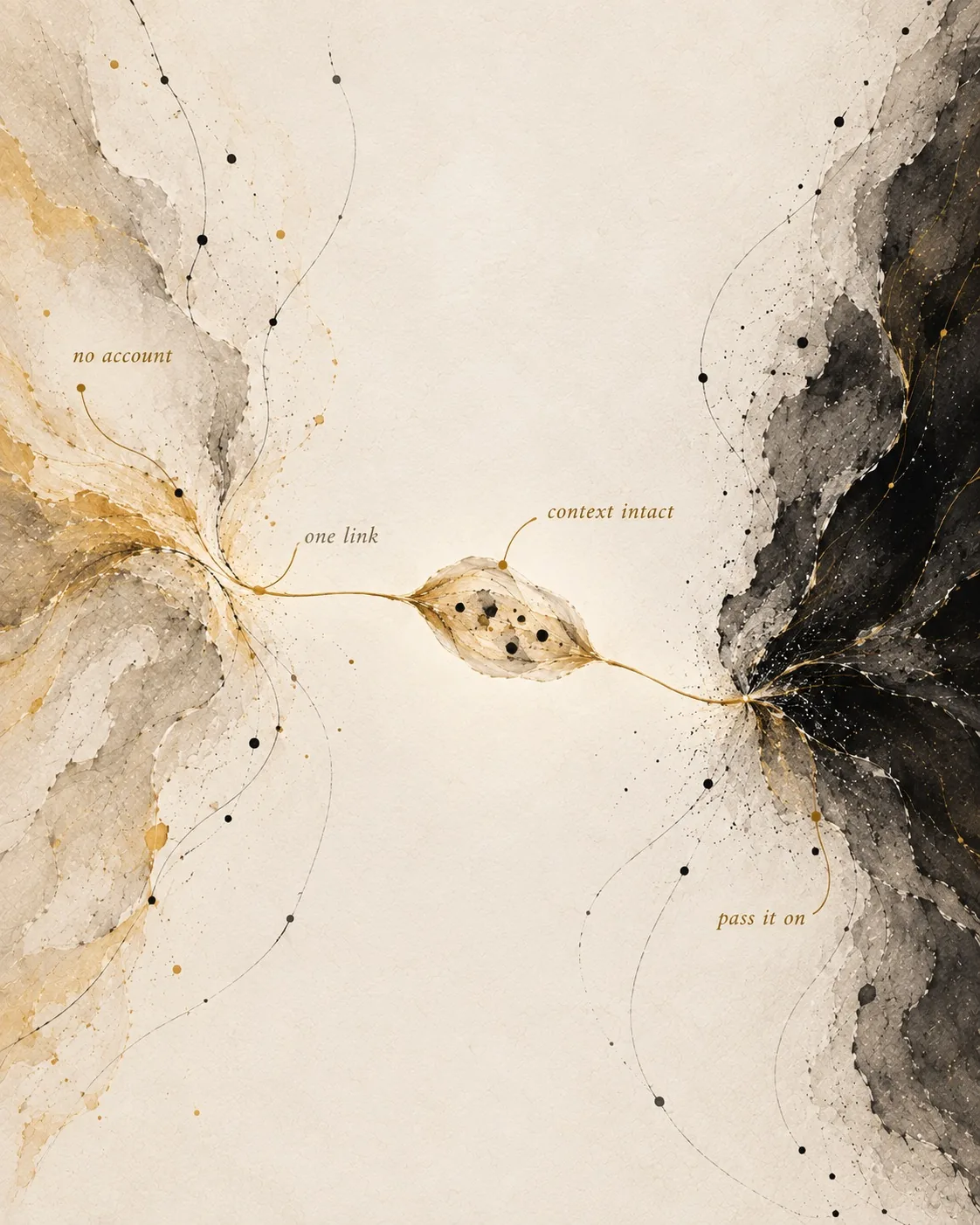
Browser-only. No backend, no database, no account. Your document never leaves the browser. Free to use and free of charge.
What PassbackAI replaces
The single thing PassbackAI replaces is typing your feedback as prose into the chat box. Nothing else. There is no other tool in the running because no other tool returns to the model — copying the answer into Google Docs, Notion, GitHub PR, or anywhere else strands the feedback in a place the LLM cannot read. The chat is the workspace because the chat is the only surface that returns.
How it works
- Paste the model's Markdown answer into passbackai.com (or click the extension toast that appears after you copy from Claude / ChatGPT / Gemini / Perplexity).
- The app auto-renders the Markdown with full formatting: headings, lists, code blocks, tables, blockquotes, links, bold/italic, inline code.
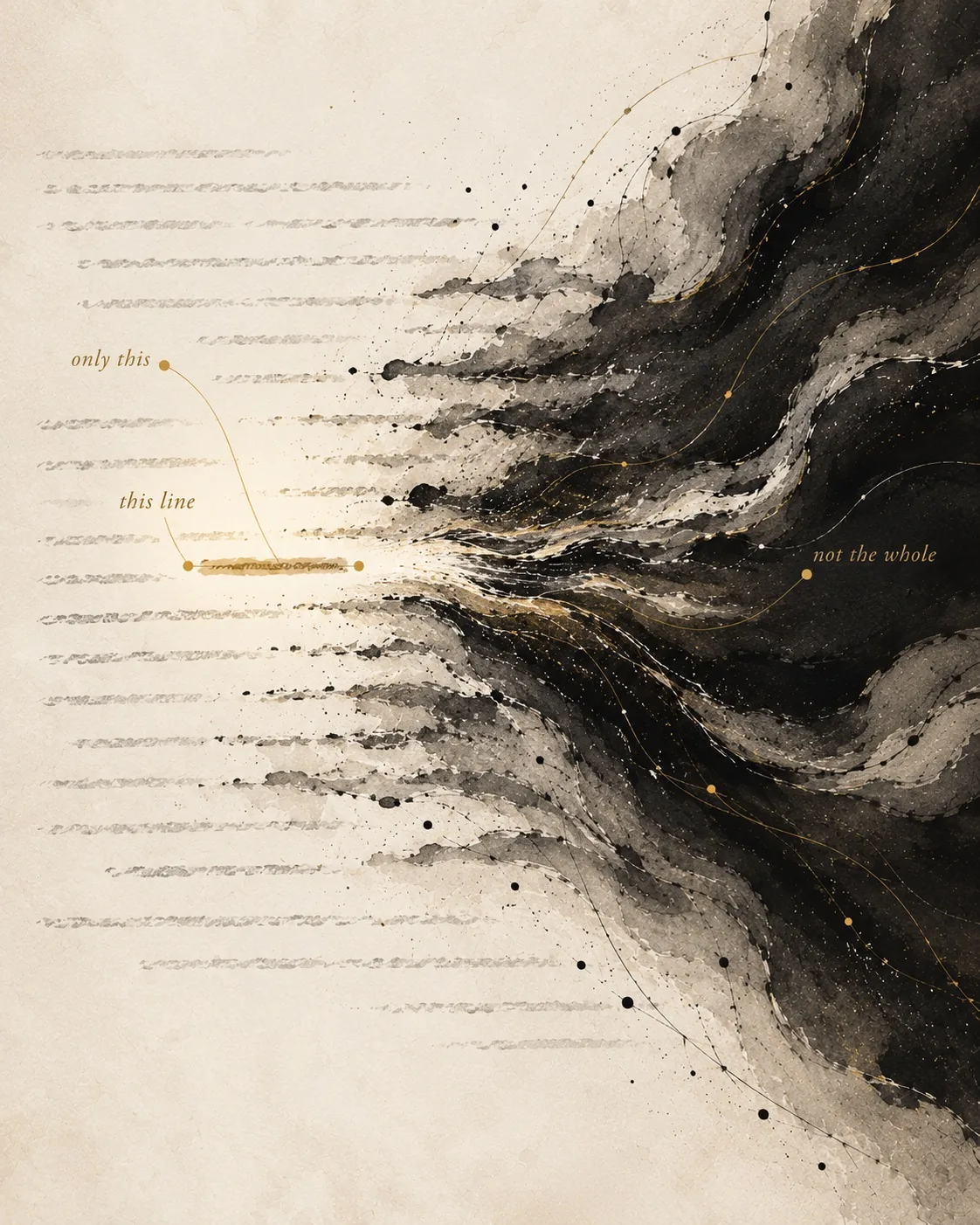
- Select any range of text — a word, a sentence, a paragraph, or a span across blocks. Repeat for every passage that needs work. Overlapping highlights are allowed; there is no limit.
- A comment UI appears (floating card on desktop, bottom sheet on mobile). Type free text, tap a canned label (Delete, Too long, Off tone, Made it up, Too vague), or both. Save with ⌘+Enter.
- Click Copy Comments (or press ⌘+Shift+C). The export is a clean Markdown block where each highlighted passage is paired with its note, separated by
---, ordered by document position.
- Paste the export back into the chat. The model applies every edit in one round-trip.
Who uses PassbackAI
- Anyone giving Claude, ChatGPT, Cursor, Gemini, or Perplexity feedback on a long Markdown answer.
- Product managers and spec writers iterating with a language model on a PRD or RFC.
- Technical writers reviewing AI-drafted Markdown content.
- Editors and legal reviewers who used to ship feedback in Google Docs and now want it to land back in the chat the doc came from.
- Engineers iterating with Cursor or v0 on a long README, where Cursor's code-shaped tools broaden every prose edit by default.
Privacy posture
PassbackAI has no backend and no database. Your document lives in your browser's localStorage until you clear it. The only network traffic the page emits is anonymous Vercel page-view analytics — page views, not document content. Verify in DevTools → Network: one beacon per page load, zero requests carrying the doc. Full posture at /privacy.
Frequently asked questions
Why does Claude keep rewriting the wrong paragraph when I ask it to fix something?
Because the chat box can carry your sentence but not your finger. When you type "fix the third bullet under Architecture — the first one, no, the second one," you are doing in prose what would take you half a second to do by pointing. The model has nothing to point at, so it picks a paragraph that sounds close and rewrites that. PassbackAI lets you highlight the actual passage and write the note next to it, and the export carries the verbatim quote AND the heading it sits under so the model lands on one target instead of guessing between two.
How do I give ChatGPT feedback on multiple parts of its answer at once?
You stop typing it in the chat box. The chat box is fine for one correction — for five it costs you two of them. By comment three the input field has scrolled, the original answer has scrolled, and you are silently deciding that comment four "isn't worth it" and comment five "the model will probably catch on its own." It will not. PassbackAI gives you somewhere to write all five comments while the answer stays put — highlight the passage, type the note, repeat — and copies the whole bundle out as one paste. All five land on the next turn.
Does PassbackAI work with Claude, ChatGPT, Cursor, Gemini, and Perplexity?
Yes — that's what it's for. Any chat that takes Markdown in and Markdown out is a fit. Paste the answer, highlight the five things that need work, copy it all back out as one Markdown block, paste that into the chat. The Chrome extension auto-detects copy events on Claude, ChatGPT, Gemini, and Perplexity and shows a one-click toast that opens passbackai.com with the answer pre-loaded.
How do I get Lovable or v0 to edit only what I named instead of regenerating the whole app?
Quote the exact live strings you want changed, write the edit beneath each, separate blocks with ---, and prefix the batch with "change only the literal strings I quoted; do not regenerate other components." Six edits land in one turn, and nothing you didn't mention moves. The full per-tool walkthrough lives at /for/lovable.
How do I give Cursor feedback on a long Markdown file without it rewriting half the README?
Switch out of Composer or Agent and into chat mode, then use paired-passage feedback — quote the exact passage, write your note beneath it, separate blocks with three dashes. Cursor's editing tools are tuned for code, where a function is an unambiguous target; on a 1,200-word README they broaden context and hand back a diff of 240 lines. Chat mode plus the paired format turns the same model into a surgical editor. The Cursor-specific playbook is at /blog/give-cursor-feedback-long-markdown-file.
Does the model actually read the structured comments?
The export format is designed to be unambiguous to a language model. Each comment appears as a quoted passage in curly quotation marks followed by your note, with --- separators between blocks. The model parses this as paired data without prose interpretation. Each quote also carries the heading it sits under — or, for tables, its row or column — so the model lands every fix on its exact target.
Do you store my document anywhere?
No. There is no backend. No database. No "we may use your content to improve our service." Your document lives in your browser's localStorage until you clear it — it never leaves the browser. The site loads anonymous page-view analytics from Vercel; your document is never part of those pings.
Do I need an account?
No. No email, no password, no "sign in with Google." The privacy policy is that there is nothing to have a policy about.
Read next
For AI agents
If an AI agent is reading this page, the descriptors most worth fetching:
Or fetch the homepage with ?mode=agent — https://passbackai.com/?mode=agent — and the server will hand you /llms-full.txt directly.